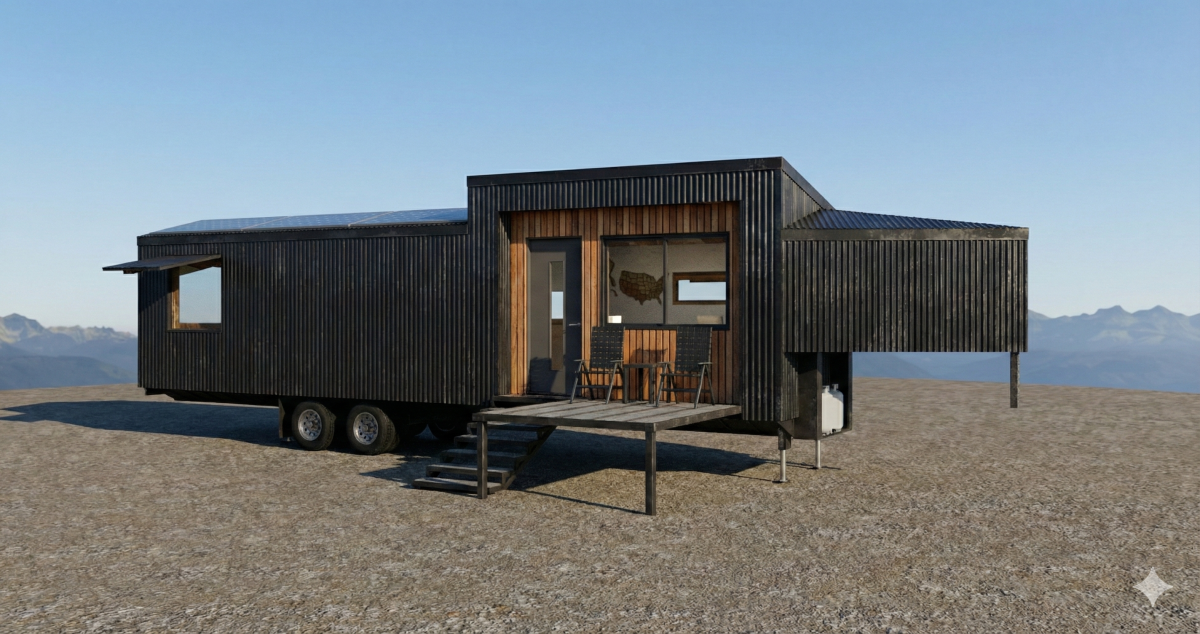

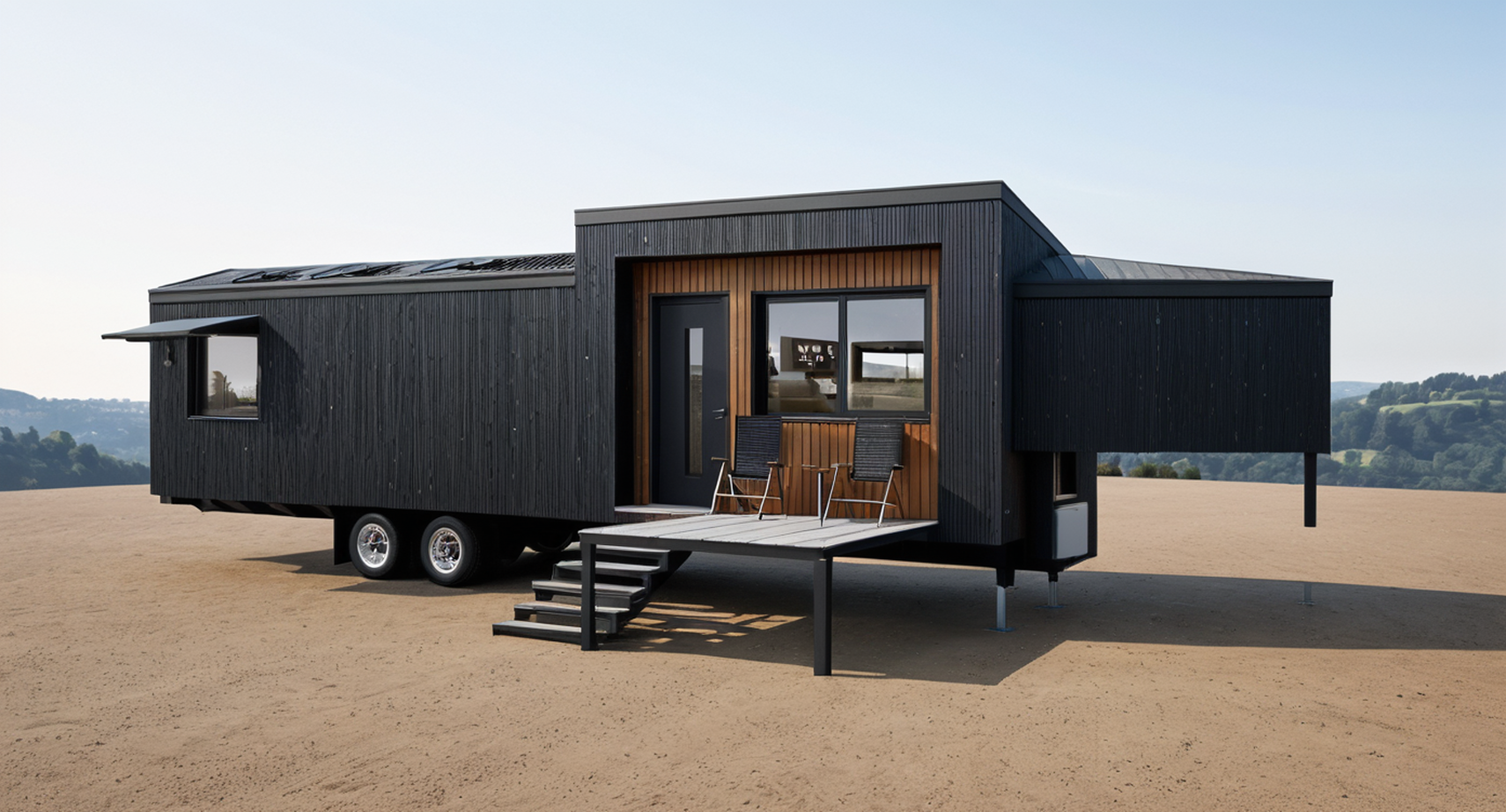
This is a tiny house concept I created a few years ago, long before Generative AI was a thing. I also just renewed my SketchUp Pro license and downloaded the latest version which came with a built-in AI rendering feature. This post covers both the tiny house design and a review of the new SketchUp AI rendering feature.
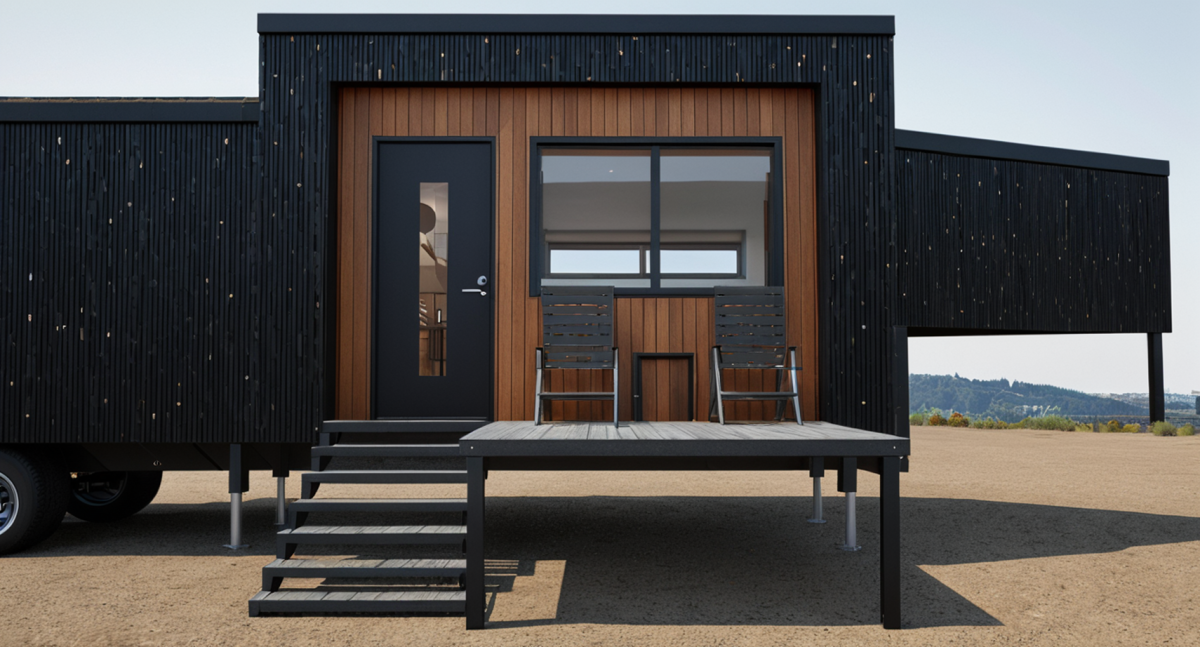
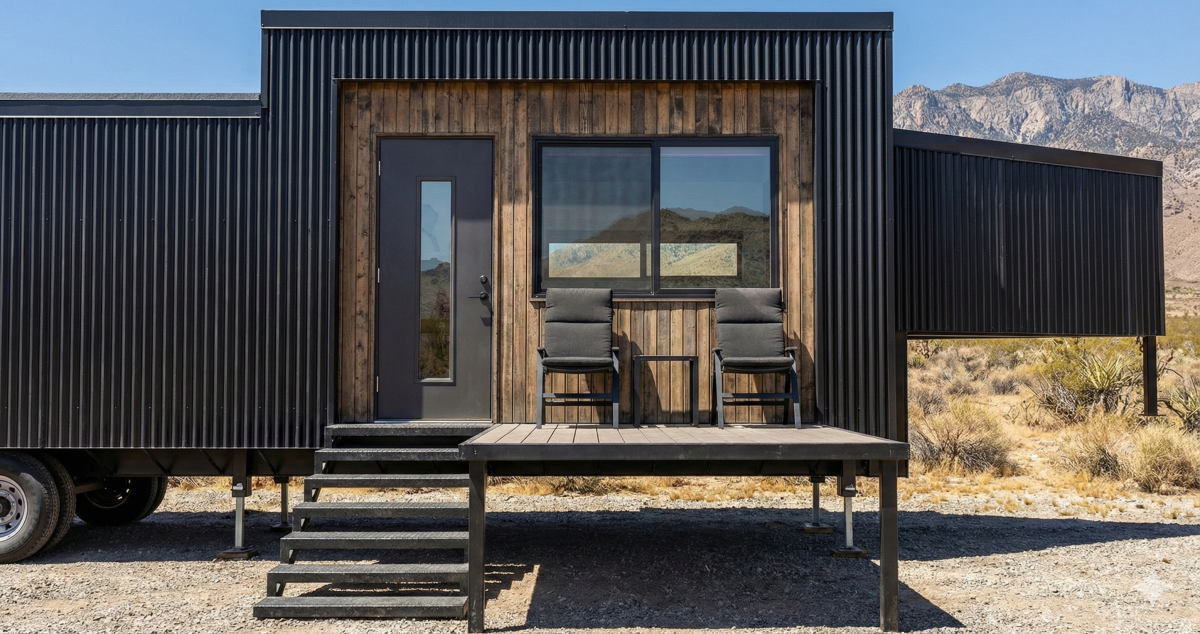
In the images you’ll see three versions, the native SketchUp export, the new SketchUp AI rendering output, and for quality comparison a rendering by Gemini Pro (a.k.a. Nano Banana Pro). You can spot the Gemini renderings because they are watermarked with a little four-pointed star in the right bottom corner. I used the simplest prompts to create these , so this is not rigorous testing, just what you get on the first pass.

I find it useful to invent “stories” in my mind when drawing design concepts, (like we do in app design with use cases or user personas), because it simulates a real project and makes it more challenging (i.e., more fun). I pictured a family of four traveling through North America, hitting all lower 48 states and ending up in Alaska.

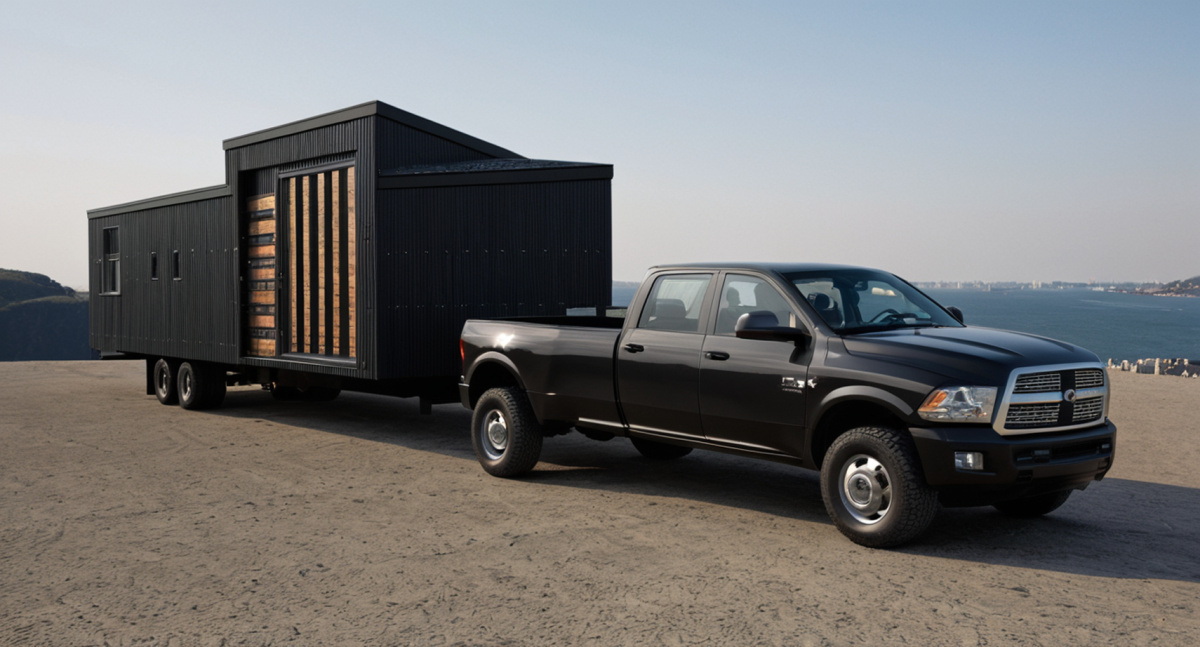
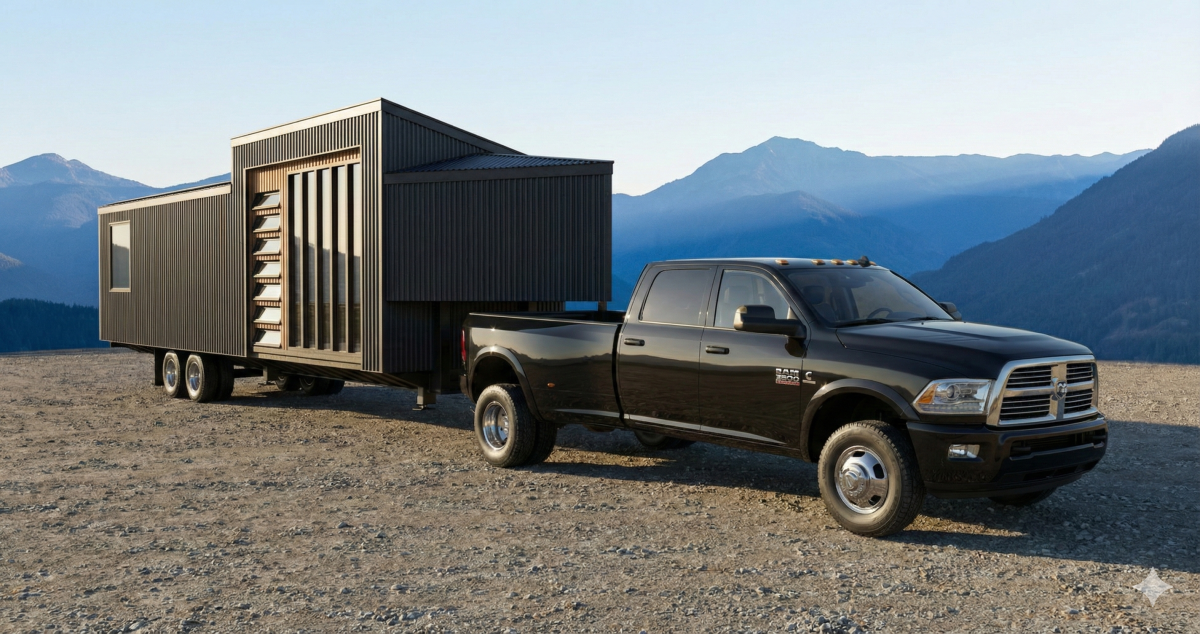
To make a road trip of that scale possible while towing a tiny house, which is usually not a fun task, I imagined it would be built on a stout trailer with duel axle duallies, making it easier for travel using a heavy duty pickup. It’s like a big gooseneck travel trailer, but heavier.
To save weight, the structure would be made from lightweight steel framing (e.g. Volstrukt framing) but finished like a comfortable tiny house on wheels so that once it arrived in Alaska it would still be comfy to live in it all year long. (I know, I know, the Alaskans are laughing at me right now – four seasons, tiny house, yeah right.)


The house has just a few strategically located large windows. The windows all have sturdy shutters that lower into place protecting and locking up the house securely when closed. When open they provide shade and function like awnings.
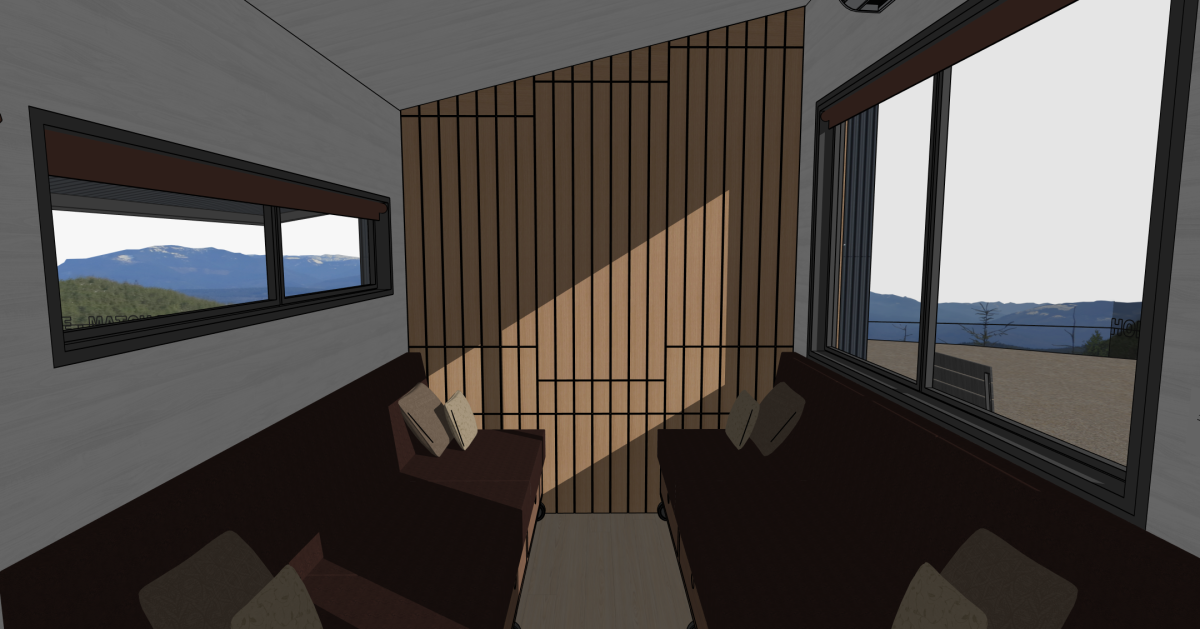

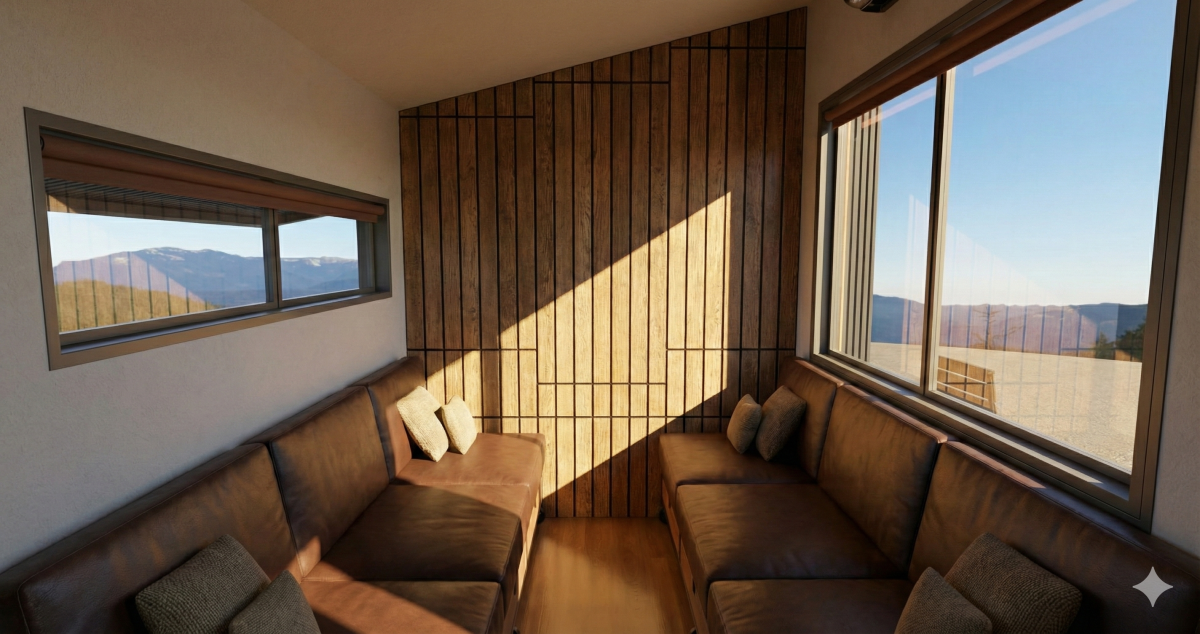
The house features a living room that had three modes: dining living, bedroom. The slat wall hides cabinets that open to reveal storage but also a fold-down table. The two long sofas provide storage and can be pushed together to form a queen size bed. I pictured this being the parents bedroom with all night access to the kitchen and bathroom down the hall. The bunk room in the back would be for the kids.
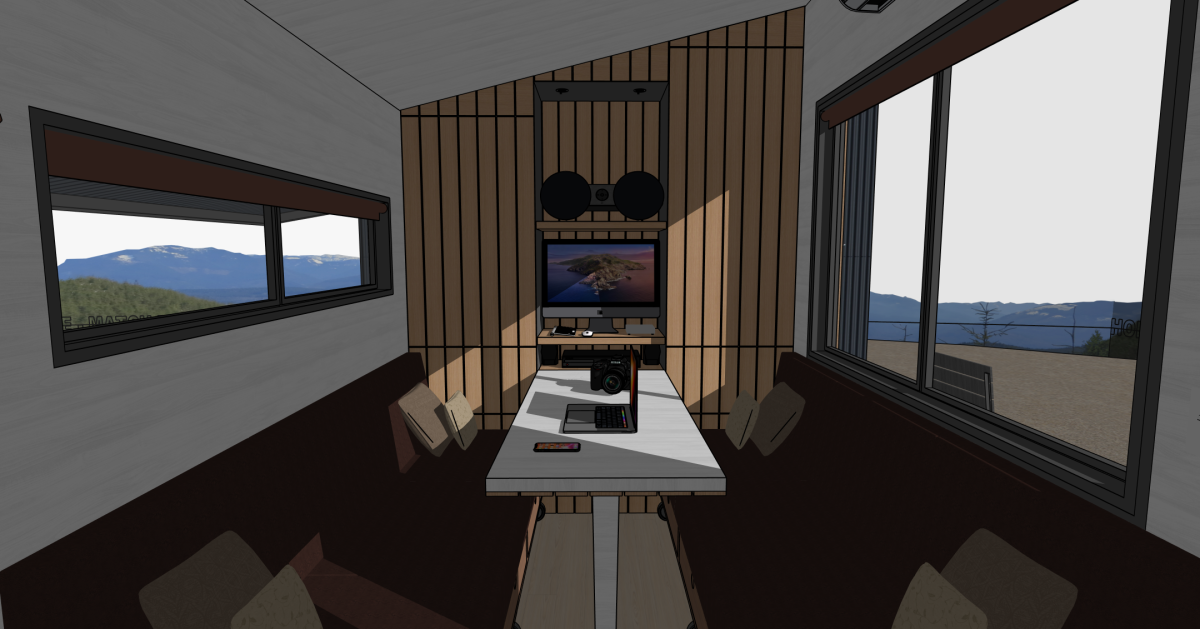
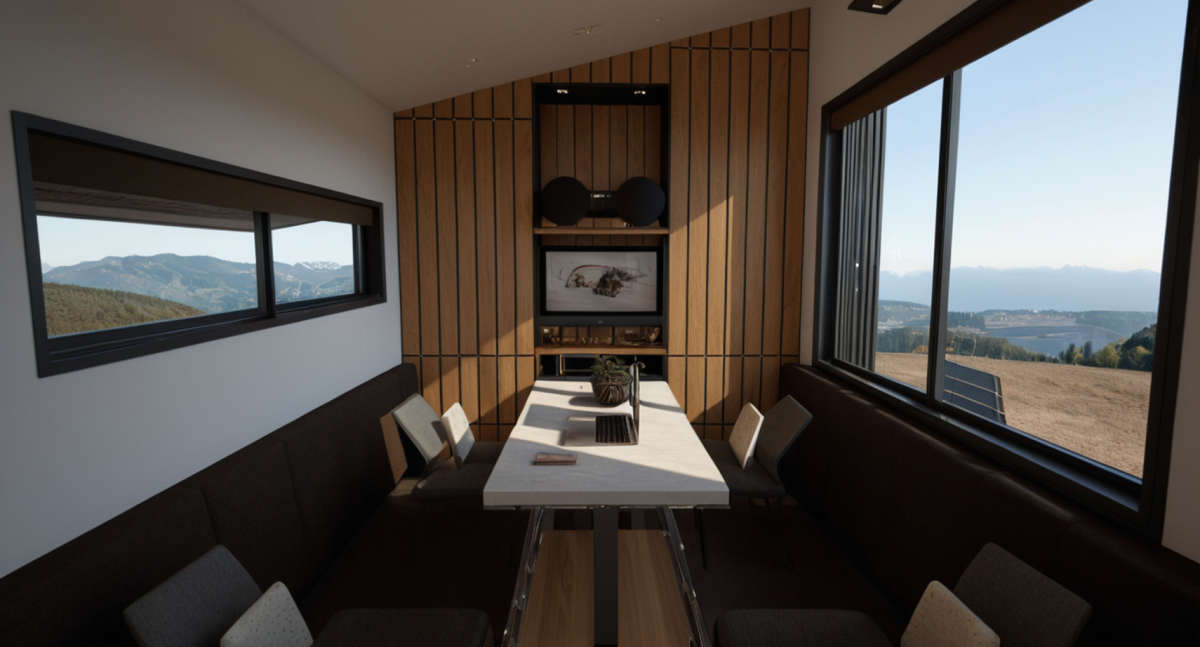

The kitchen fits the core needs of a family of four living full-time: cooktop, refrigeration, and counter prep space.
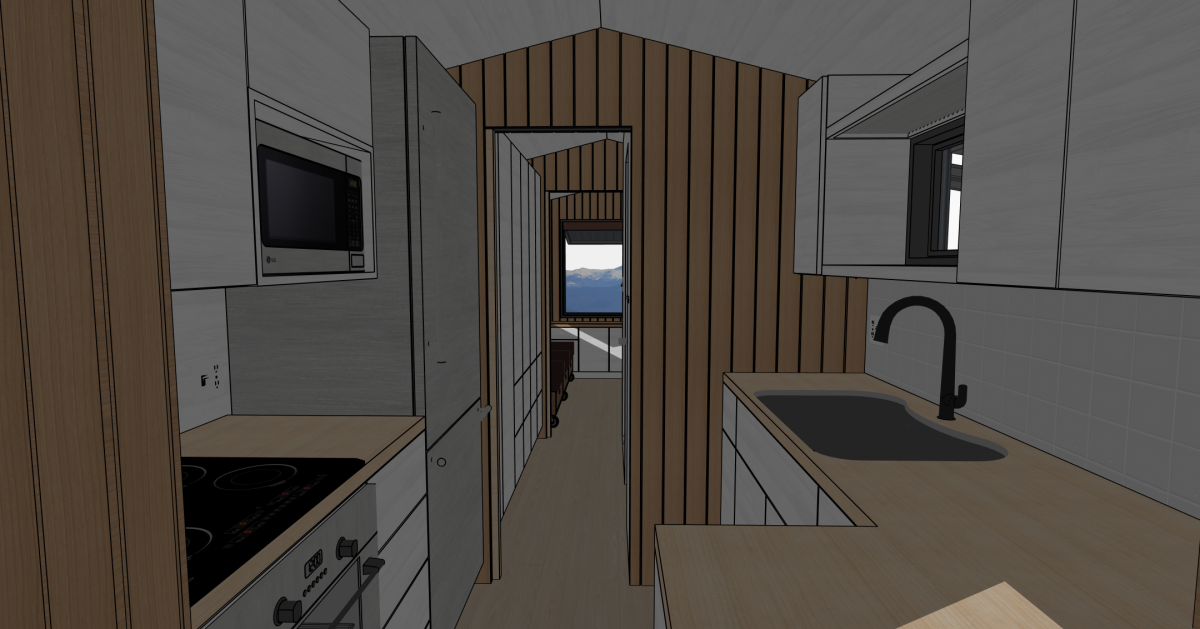
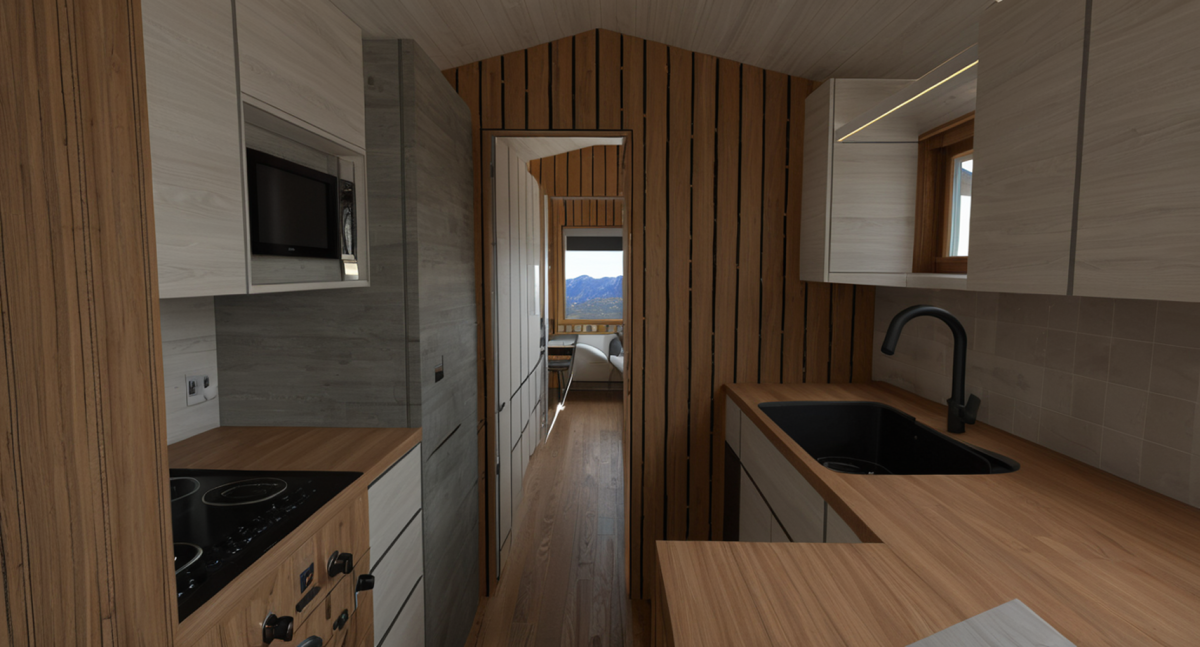
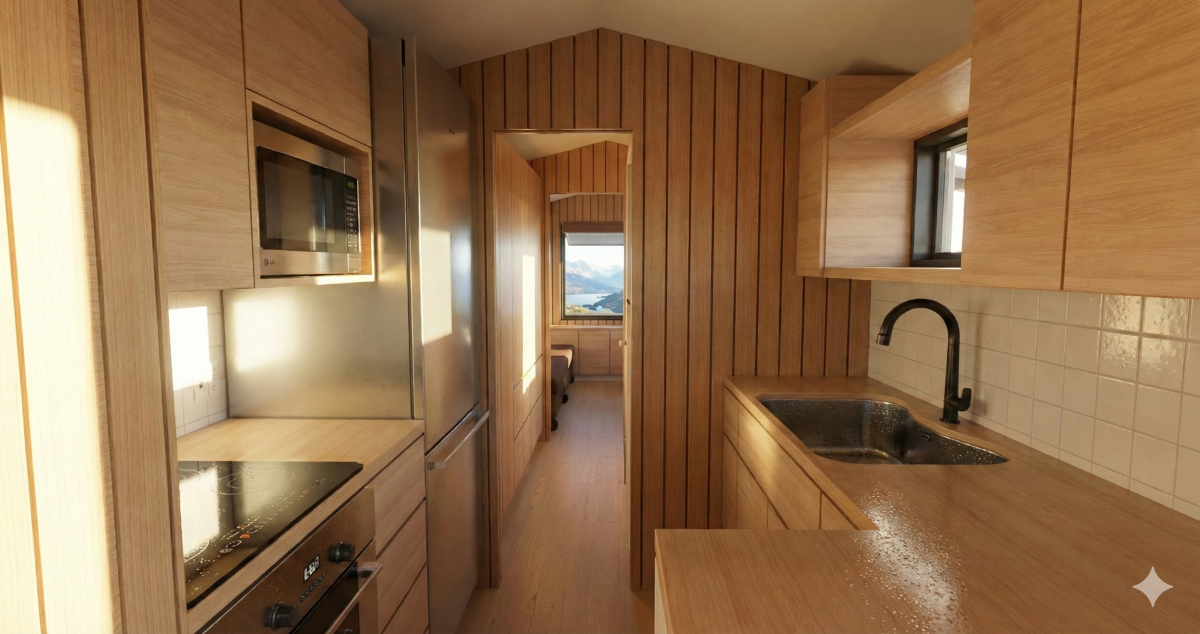
Past the kitchen is a storage lined hall and a bathroom with bunk room in the back.


There is no loft to keep the house shorter and travel friendly. In many ways this combines the best of a travel trailer with a tiny house but doesn’t introduce complexities like slide-outs which would reduce the weather tightness and four season capabilities.


This is purely a design concept and I have no plans to create house plans for this design. But tell me in the comments what you think and if you’d like to see more designs like this.


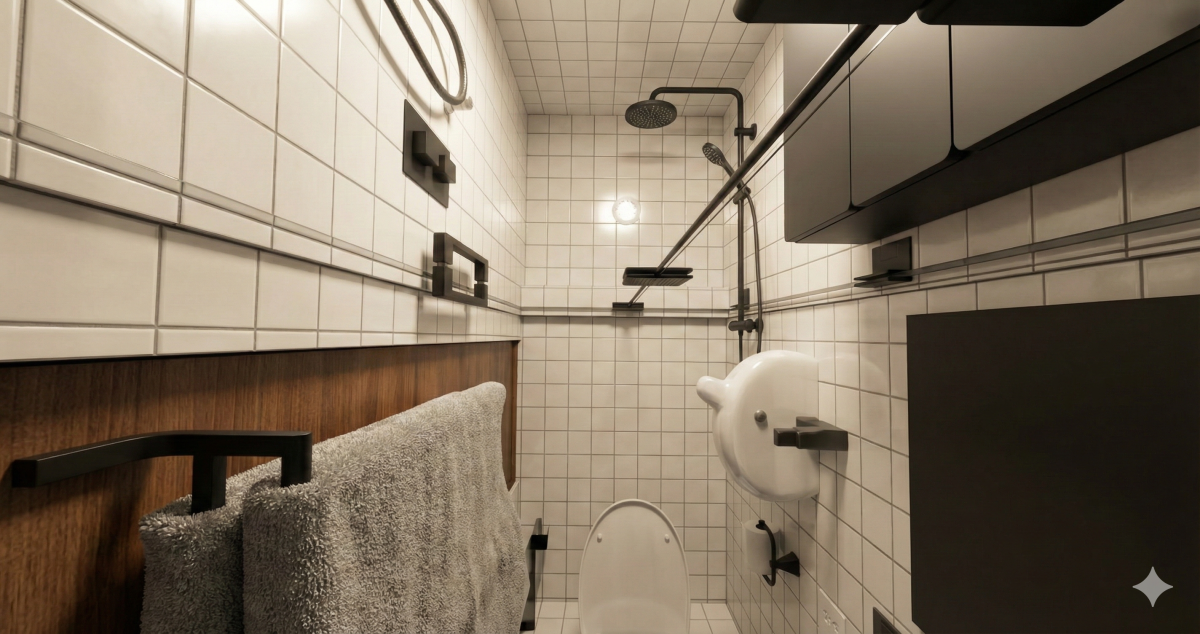
The images were all drawn by me using SketchUp Pro but the renderings were just created today.
The design is 100% human, hand drawn in SketchUp, and the rendering is faithfully executed by AI without much distortion. I’m including both the SketchUp native export, the SketchUp AI rendering, and a rendering by Gemini Pro for comparison.
My initial opinion of this new AI feature for SketchUp is that the cost is not worth the result. Every time is generates an image it costs credits. It also makes three at a time, which seems odd, although it does give the user a quick way to pick the preferred output. So I guess that could be a time saver. The UI also feels clunnky, kind of old-school, and not in a good way.
Trimble (maker of SketchUp) gave me, a paid Pro user, 150 AI credits to play with but at 5 credits per rendering you run out of free credits fast.
I pay $20 a month for Gemini Pro, use it all day long for other work, and it could create a ton of renderings like these in a day by converting native SketchUp images without hitting daily limits. From the results shown here, I prefer the Gemini Pro output.
So while the built-in AI rendering in SketchUp is a nice addition, the pricing does not compete with the alternatives, including the old-school plugins like Podium which is what I used before generative AI was an option. At this point I htink I’d just use Gemini instead of plugins or the SketchUp AI.
*(paragraph removed)*
AI is great for churning out business documents, rendering images, and doing deep research, but a quick post like this would take longer to draft and edit with AI than to just writing it myself. It would also sound a lot different, more polished in structure, but less direct in voice.
Thoughts on the SketchUp AI rendering — whether the clunky feel and credit cost match your experience — are welcome in the comments.